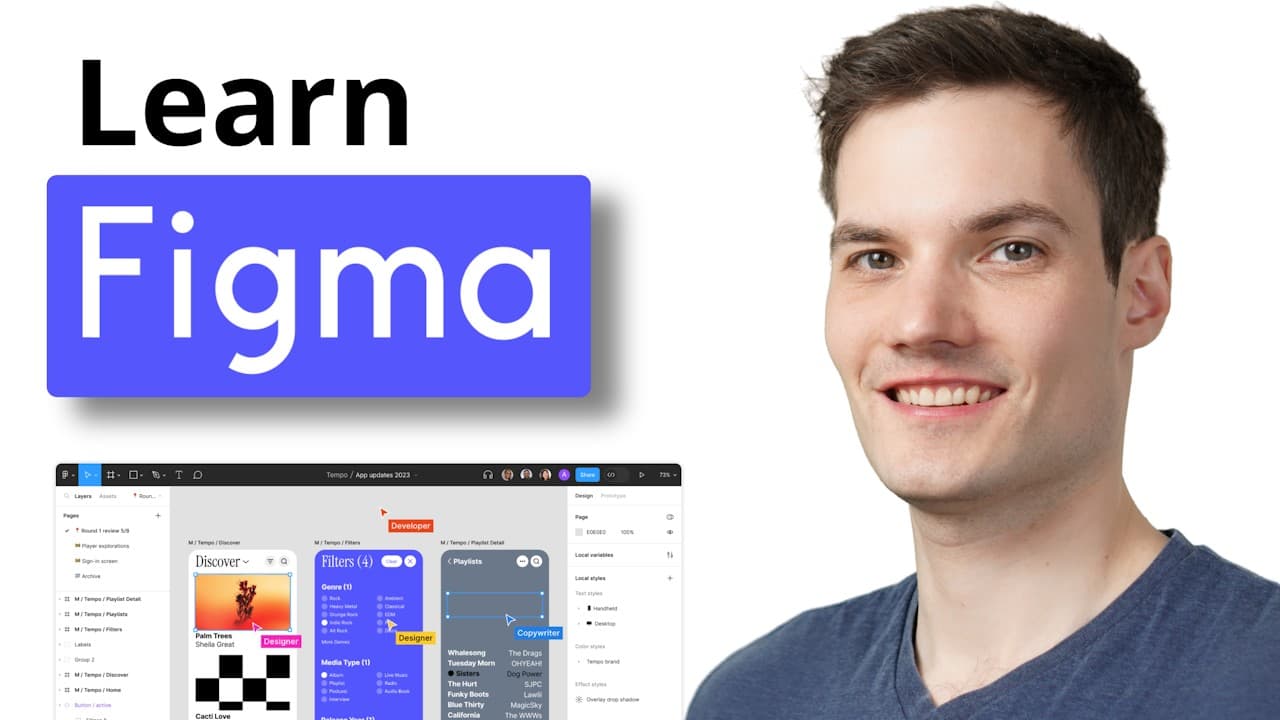
LevelBeginnerChapters28
Figma Tutorial for Beginners
A beginner Figma course covering the editor, frames, pages, shapes, images, layout grids, text, icons, components, constraints, masks, styles, auto layout, prototyping, sharing, and exports.
Design course picks from YouTube
Learn Figma, UI design, UX essentials, web design, and design systems with selected YouTube courses organized for steady progress.
Paste any YouTube video link and turn it into a course

A beginner Figma course covering the editor, frames, pages, shapes, images, layout grids, text, icons, components, constraints, masks, styles, auto layout, prototyping, sharing, and exports.
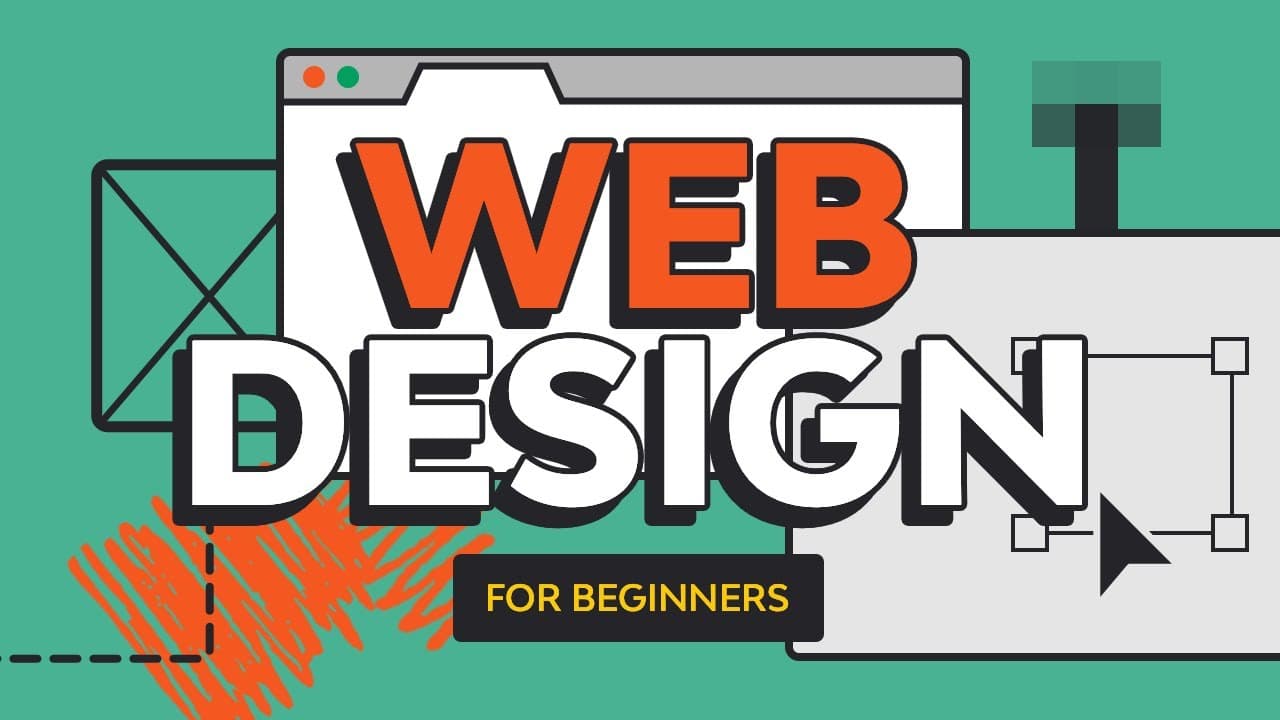
A web design course for beginners covering visual design fundamentals, layout, typography, color, responsive pages, and practical website design decisions.
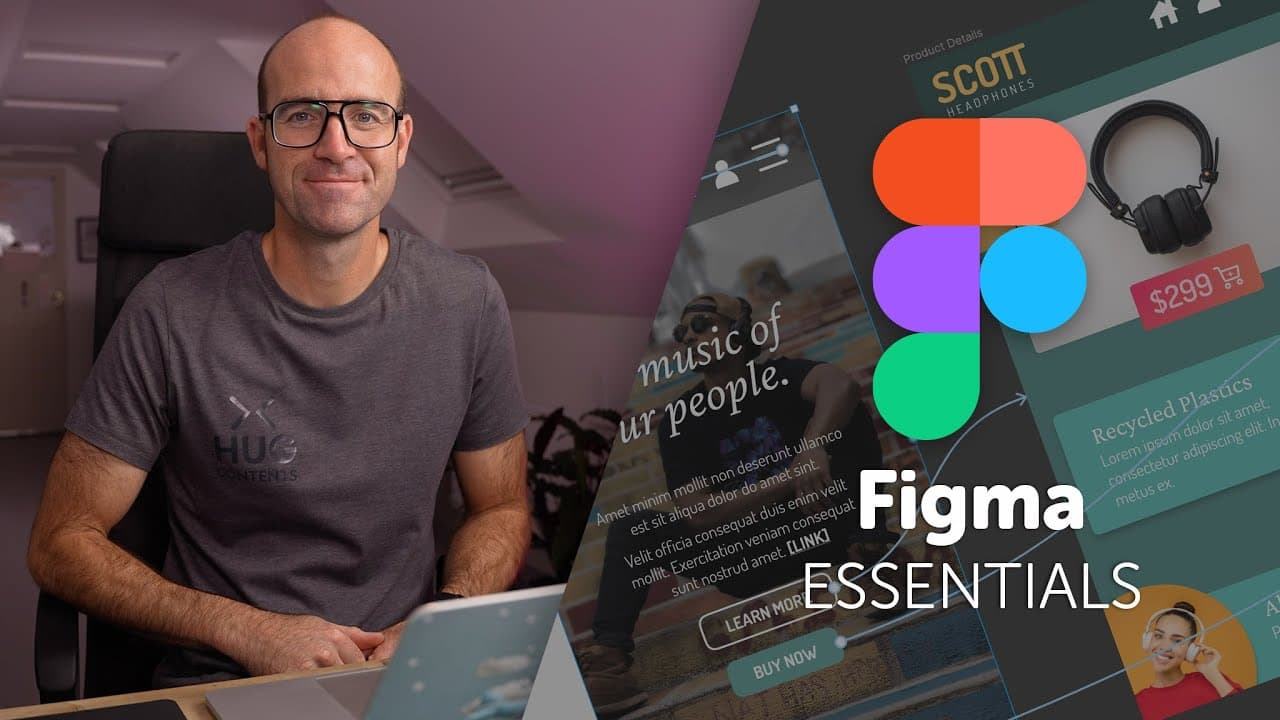
A Figma UI/UX essentials course covering design workflows, wireframes, interface layouts, components, prototyping, and practical product design exercises.
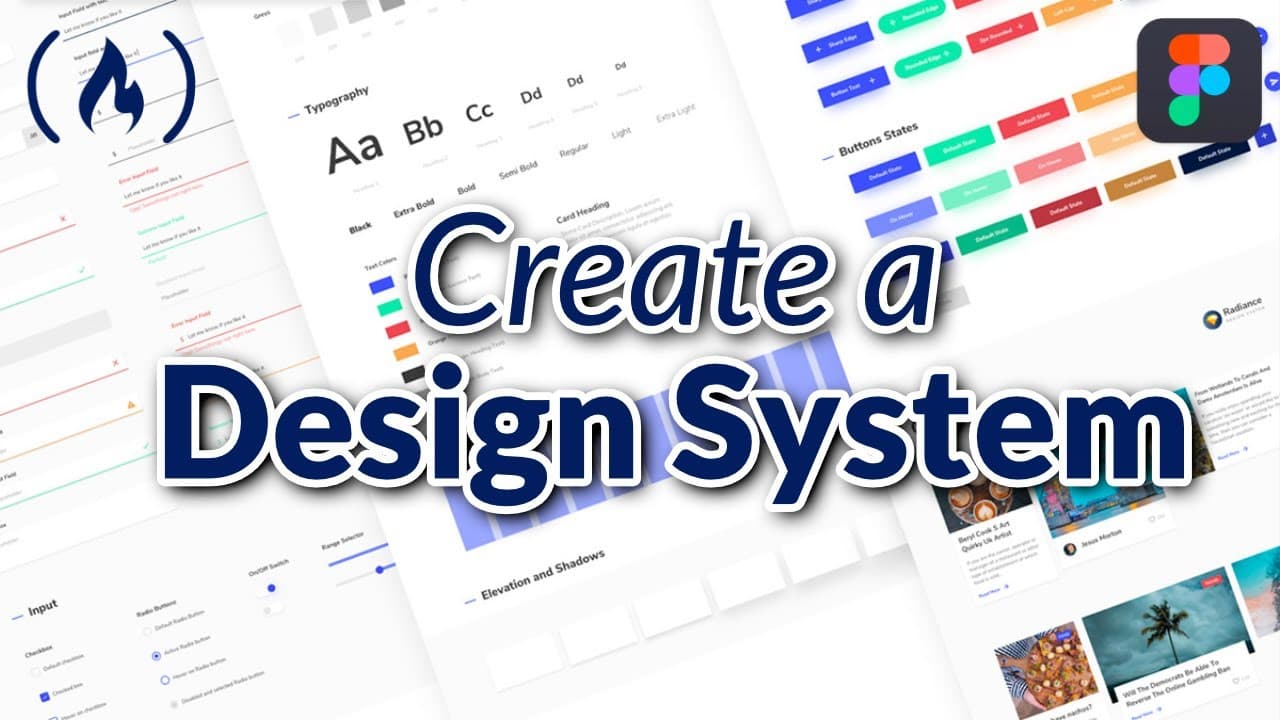
A Figma design systems course covering reusable components, styles, tokens, consistency, scalable UI patterns, and practical system-building workflows.
Design learning path
Design courses are easier to learn from when they move from fundamentals into repeatable practice. This section includes lessons from experienced YouTube design educators covering Figma, UI design, UX essentials, web design, layout, typography, components, prototyping, and design systems.
Rozum is useful for design learning because long courses often mix theory, tool walkthroughs, and practical exercises. Chapter tracking helps you revisit specific lessons like auto layout, components, responsive screens, or prototyping without losing context.
Why use Rozum.sh
Rozum turns useful YouTube videos into a learning workspace you can return to, track, and study without rebuilding your plan each time.
Paste any useful video or choose a course pick without leaving the YouTube ecosystem behind.
Long videos become structured learning paths with clear chapters and a place to continue.
Track watched chapters, completed sections, and the exact point where you stopped.
Collect lessons from different creators and keep them organized in one focused workspace.
 Add to Rozum


